
One key and base URL
Use one Qwen API credential and a consistent HTTPS surface instead of maintaining separate authentication for every live model.
View documentationUse Qwen API through one base URL and one Bearer key, with clear availability labels for production image routes and preview models.
const res = await fetch("https://qwenapi.org/api/v1/images/generations", {
  method: "POST",
  headers: {
    Authorization: "Bearer YOUR_API_KEY",
    "Content-Type": "application/json",
  },
  body: JSON.stringify({
    model: "qwen-image-3",
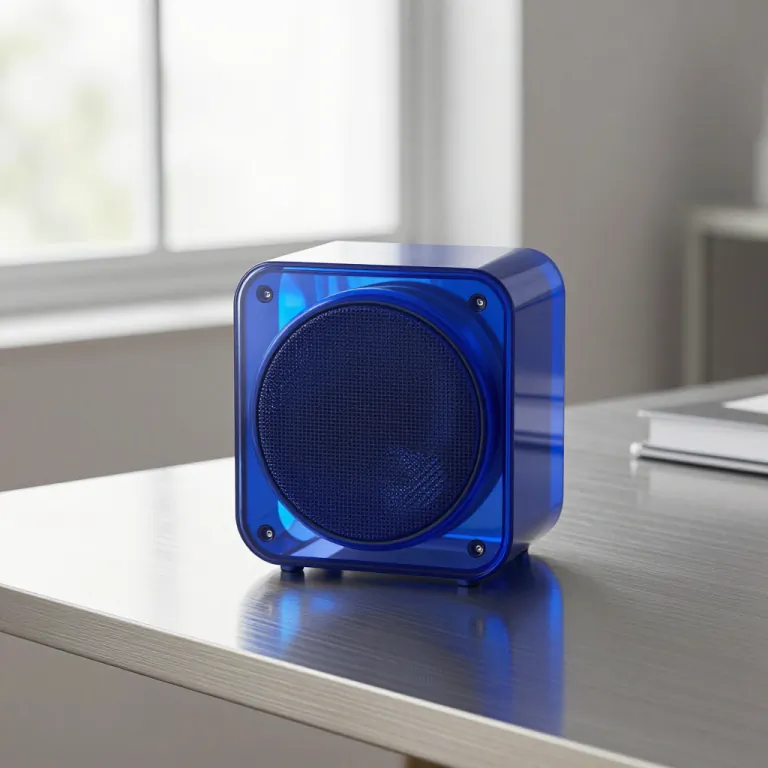
    prompt: "Editorial product photo of a translucent blue speaker",
    aspect_ratio: "16:9",
    output_format: "png",
  }),
});
const data = await res.json();{
"task_id": "task_01j8qk2m9n",
"status": "pending"
}Available Qwen API image models on one API surface
Move from a first request to a maintained integration with a consistent contract, documented costs, and explicit model availability.
Use one Qwen API credential and a consistent HTTPS surface instead of maintaining separate authentication for every live model.
View documentationSubmit a generation, retain the returned task ID, and retrieve progress, outputs, or structured errors through one status route.
View API referenceLive and preview labels keep callable routes separate from roadmap entries, while model pages expose inputs and current credit costs.
View all modelsAPI Playground
Use the Qwen API playground to validate a live image route after you create a key.
API Playground
POST /api/v1/images/generations
Your request result will appear here
Submit a request, then use the task ID to check progress and retrieve the result.
Every Qwen API model below is callable now. Compare input requirements and current credit costs before you integrate.
 Available
qwen-image-2.1Generate or edit at 1K or 2K, with up to 10 references and an optional local mask.
 Available
qwen-image-3Generate or edit images from a text prompt and optional reference images.
 Available
qwen2-imageCreate images from prompts or edit an image by providing a source URL.
 Available
qwen-image-2512Generate images or apply edits with a text prompt and optional source images.
 Available
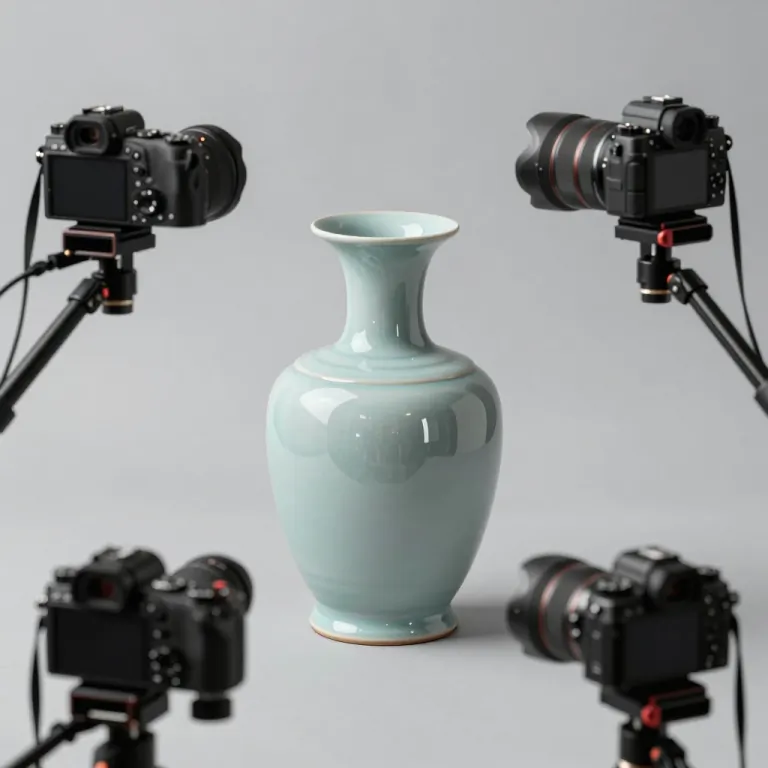
qwen-multi-anglesCreate alternate viewpoints from one to three reference images.
 Available
qwen-layeredSeparate a source image into layers for downstream editing and compositing.
Qwen API uses one documented asynchronous flow across available image models, while each model page explains its accepted fields.
View API docsCreate an API key for your account and keep the Bearer token on your server.
Choose an available model and send its documented JSON fields to the generation endpoint.
Use the task ID to check progress, then read the final output URL or structured error.
Explore real output directions for image generation, editing, layouts, portraits, and product experiences.




Three practical priorities for teams evaluating an image API for a real product workflow.
Ship one server-side integration, then compare available image models without rebuilding authentication and task handling.
Match generation, editing, multi-angle, or layered-image capabilities to a feature before committing production traffic.
Keep keys off the client, track asynchronous work by task ID, and plan usage with published credit costs.
Direct answers about model coverage, authentication, asynchronous requests, and usage costs.
View API docsThe live catalog currently lists five callable image models. Preview entries describe planned coverage, but they cannot be called or billed until a production route is ready.
Create an account key and send it from your server in the Authorization header as a Bearer token. Never expose the key in browser code or a public repository.
Generation is asynchronous. A successful submission returns a task ID; poll the documented status endpoint with the same key to retrieve progress and output URLs.
Each live model publishes its current credit cost. Accepted requests are metered by the production backend, while preview models remain unavailable and unpriced.
Start building with Qwen API
Create a Qwen API key, compare available models and credit costs, then integrate the documented endpoint into your application.